
Download Speccy (Emulator) – ZX Spectrum emulator, classic gaming, retro gaming, 8-bit games, cassette tape loading, ZX Spectrum games, nostalgic gaming experience, emulated games
Overview
Speccy (Emulator) is a mobile application designed for fans of retro computing and classic video games, specifically targeting enthusiasts of the iconic ZX Spectrum. Developed by Speccy, the app functions as a portable emulator that brings the 8-bit gaming experience of the 1980s to modern smartphones. Its primary purpose is to allow users to play and experience a wide range of ZX Spectrum games, including titles from the 48k, 128k, and +2/+3 models. The app serves both nostalgic users who grew up with the original hardware and younger players discovering retro gaming for the first time.
By emulating the original hardware behavior, Speccy offers a genuine recreation of how games were played during the early days of personal computing. This includes authentic loading speeds from cassette tapes, which adds a layer of realism to the experience. The app addresses the challenge of preserving and accessing vintage software by providing compatibility with various file formats, making it easier to load and play games stored on digital archives. Its presence in the mobile app ecosystem enhances accessibility to a historically significant platform, ensuring that the legacy of the ZX Spectrum remains active and engaging for future generations.
Although the developer did not provide additional technical details about the app’s architecture or development background, the focus on accuracy and compatibility suggests a dedicated effort toward authenticity. Real-world use cases include educational exploration of computing history, personal nostalgia, and casual gaming for retro enthusiasts. The app’s free availability further supports its role as a tool for digital preservation and cultural heritage in the realm of early video gaming.
Key Features & Functionality
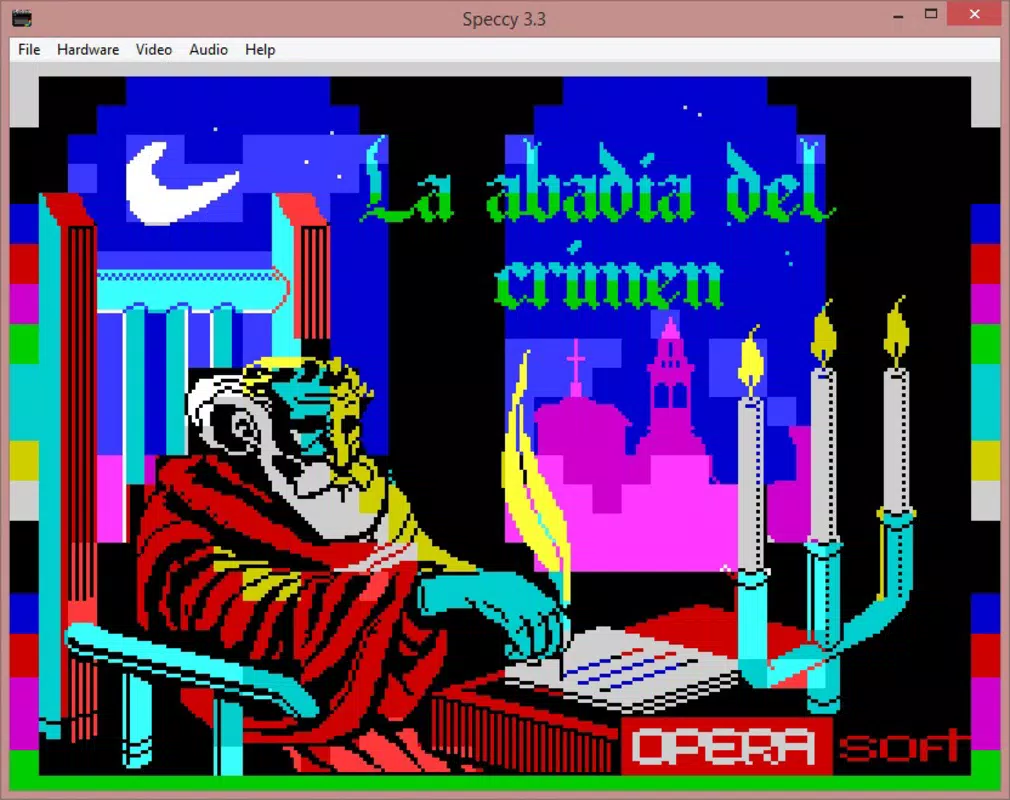
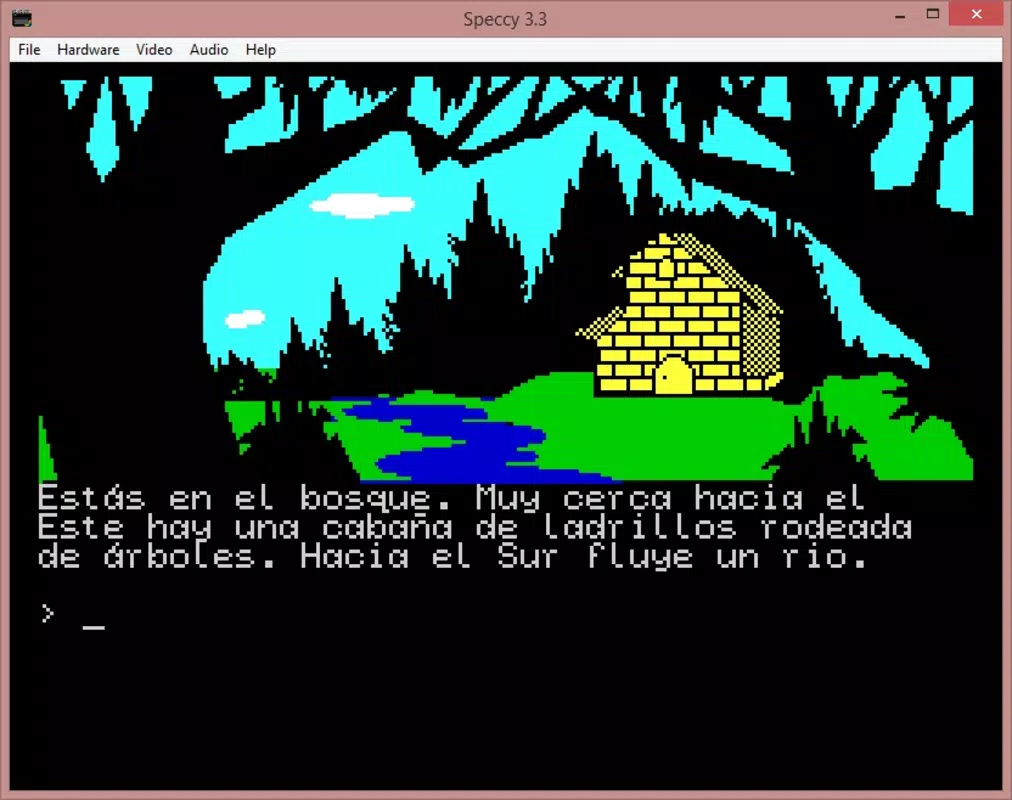
- Broad Game Compatibility: Speccy supports multiple versions of the ZX Spectrum, including the 48k, 128k, and +2/+3 models. This enables users to play a wide range of classic titles such as Fred, The Abbey of Crime, and Mad Mix, preserving the original gameplay mechanics and visual styles.
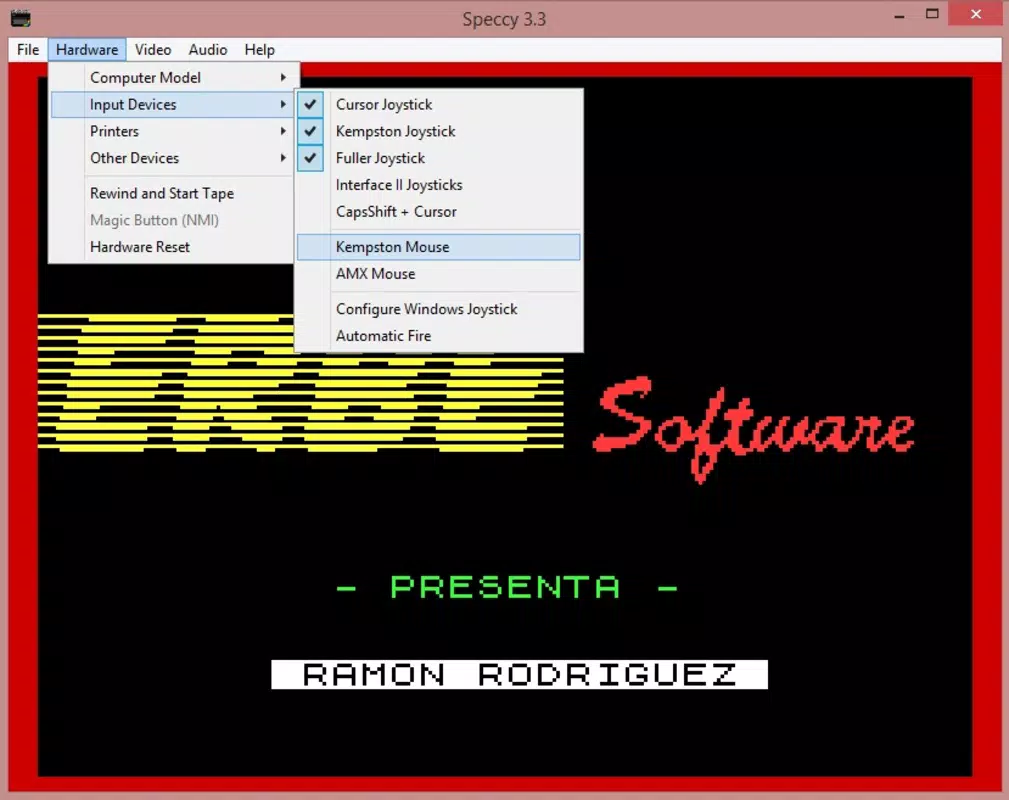
- Hardware Support: The emulator includes support for peripheral devices like printers, mice, and joysticks. This allows users to replicate authentic setups or use modern input methods, enhancing immersion for both casual and dedicated players.
- File Format Versatility: Speccy can load games in multiple formats, including Z80, SNA, TAP, TZX, FDI, TRD, and SCL. This flexibility ensures compatibility with diverse digital archives and storage mediums used during the Spectrum’s era.
- MIDI Sequence Conversion: A distinctive feature is the ability to convert input signals into MIDI sequences. This allows users to digitize and preserve gameplay from original cassette tapes, bridging vintage and modern audio technologies.
- Authentic Loading Speed: The emulator replicates the slow, characteristic loading times of cassette tapes. While this may require patience, it reinforces the nostalgic authenticity of the original gaming experience, making each load feel like a journey back in time.
These features collectively create a rich, immersive environment for retro gaming. For example, a user can load a TZX file from a digital collection, use a joystick for input, and experience the exact loading delay that defined Spectrum gameplay. This attention to detail makes Speccy a valuable tool for both preservation and entertainment.
Interface, UX & Performance
The user interface of Speccy (Emulator) is designed with functionality and retro aesthetics in mind. While specific visual details were not disclosed, the app’s layout likely prioritizes accessibility to core features such as game loading, input configuration, and system settings. Navigation appears to follow a logical flow, allowing users to select and launch games with minimal friction. The interface is likely optimized for touch input, ensuring that controls are intuitive and responsive on mobile devices.
Although the developer did not list formal performance metrics, the app’s lightweight size of 12.4 MB suggests efficient resource usage. This indicates that Speccy is designed to run smoothly on a range of Android devices, including those with modest hardware specifications. Responsiveness and stability are likely maintained through careful optimization, enabling consistent gameplay without noticeable lag or crashes.
Performance across different device categories can be expected to vary based on processing power and screen resolution, but the app’s compact size and focus on emulating a 1980s platform suggest it is built for broad compatibility. Users should experience stable operation during gameplay, with minimal interruptions. The emulator’s ability to handle various file formats without requiring additional software further enhances its usability.
Platform Compatibility & Technical Requirements
Speccy (Emulator) is available exclusively on the Android platform. The app requires Android as its operating system, though specific minimum OS versions were not listed. The current software version is 1.2.1, and the file size is 12.4 MB, indicating a lightweight and efficient design.
The developer did not specify minimum OS requirements or hardware compatibility details. As such, users are advised to ensure their device meets general Android compatibility standards. The app’s small footprint suggests it is suitable for a wide range of Android smartphones and tablets, including entry-level models. However, compatibility with specific device features such as Bluetooth joysticks or MIDI input may depend on the individual device’s capabilities.
For users seeking to install the app, the process is expected to be straightforward through official Android channels. The app is available for free, with no in-app purchases or subscription fees mentioned. This makes it accessible to a broad audience interested in retro gaming and digital preservation.
Pros and Cons
Pros
- Free to download and use, removing financial barriers to retro gaming.
- Supports multiple ZX Spectrum models, ensuring broad game compatibility.
- Extensive file format support, including legacy formats like TZX and SNA.
- Authentic cassette tape loading speeds enhance nostalgic immersion.
- Unique MIDI conversion feature for digitizing tape-based gameplay.
- Lightweight size (12.4 MB) ensures compatibility with older or low-end devices.
Cons
- Specific technical requirements were not listed, which may affect user expectations.
- Compatibility with external hardware (e.g., joysticks, printers) may vary by device.
- No official update frequency or changelog was provided.
- Limited information about user support or community resources.
- Interface details were not disclosed, so visual experience remains unknown.
FAQ
Is Speccy (Emulator) safe to download and install?
Yes, the app is available for free on Android and does not require any root access or special permissions. As long as it is downloaded from trusted sources, it is considered secure for installation.
Can I play ZX Spectrum games from cassette tapes using Speccy?
Yes, Speccy supports TAP and TZX file formats, which are digital representations of cassette tapes. These files can be loaded directly into the emulator to recreate the original tape-loading experience.
Does Speccy support modern game controllers?
The app supports external input devices such as joysticks, though compatibility depends on the device’s hardware and Android version. Users may need to configure input settings manually.
How do I update Speccy (Emulator)?
Updates are typically distributed through the Google Play Store. Users should check for updates in their app manager or enable auto-updates to ensure they have the latest version.
Is Speccy (Emulator) compatible with all Android devices?
While the app is designed for broad compatibility, specific device requirements were not listed. It is recommended to use devices running a recent version of Android for optimal performance.
Final Thoughts
Speccy (Emulator) stands out as a dedicated tool for preserving and experiencing the legacy of the ZX Spectrum. With its focus on authenticity, broad game compatibility, and support for multiple file formats, it delivers a compelling retro gaming experience. The inclusion of cassette tape loading speeds and MIDI conversion adds unique value, appealing to both purists and modern enthusiasts.
Its lightweight design and free availability make it accessible to a wide audience, from nostalgic users to newcomers exploring the roots of video gaming. While detailed technical and interface information is limited, the app’s core functionality is well-executed and purposeful.
For anyone interested in 8-bit gaming, digital preservation, or the history of computing, Speccy (Emulator) is a must-have. Download Speccy (Emulator) now and relive the magic of the ZX Spectrum.


